




Happyjokers Mobile Access
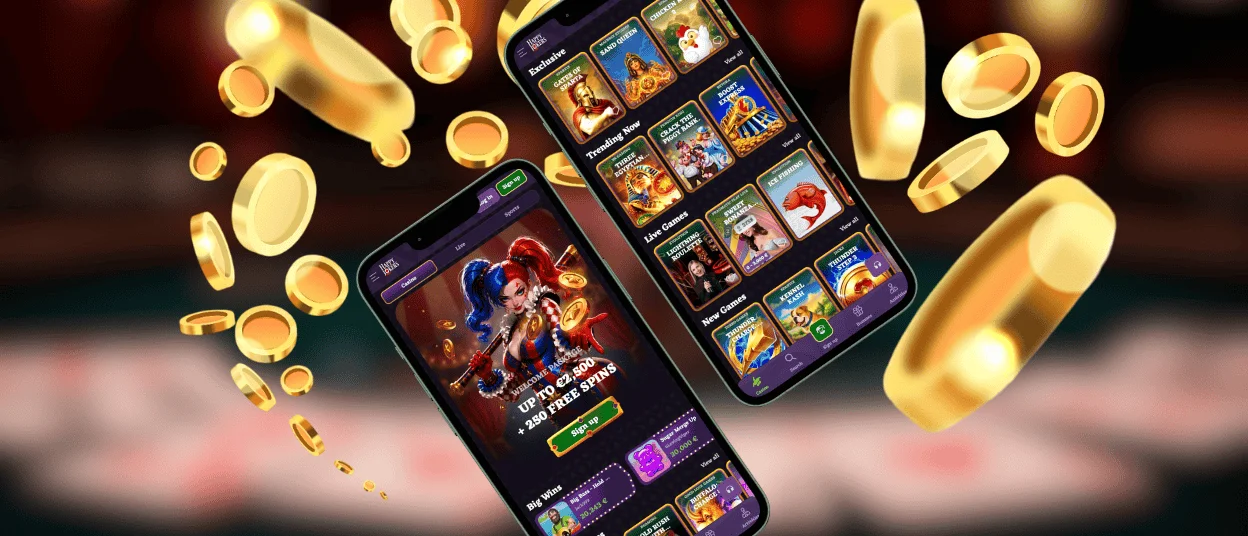
Players can access our casino through the special Happyjokers app. It syncs with the browser so every game and tool stays right where you left it. No desk needed – you just tap the icon.



Happyjokers Application
The Happyjokers app gives you the full experience, but with the freedom to play anywhere. It’s about having options when your computer isn’t around. Here’s what makes the app stand out:
- Mobility – Your session moves with you.
- Push Notifications – Bonuses and account updates land on your lock screen.
- Touch-Friendly Interface – Navigation is built for taps and swipes, not mouse clicks.
- Quick Access – One tap from your home screen and you’re logged in.
- Automatic Updates – The app runs through your browser, so updates happen in the background.
- Secure Login – Face ID and fingerprint recognition supported on compatible devices.
The desktop version offers a larger screen, which is better for extended live dealer sessions. But for staying connected on the move, the Happy Jokers app wins every time.
Happyjokers for Android
Our platform runs on any Android device with an internet connection. Happyjokers works through your browser, so everything you do on desktop acts the same on your phone. The interface adapts to your phone screen: menus collapse to save space, and buttons are easy to hit without zooming. To install it on your Android device, you simply need to create a shortcut from a browser.
PWA
Happy Jokers Casino uses the latest Progressive Web Application technology. It delivers app-like performance without the usual app overhead. It loads fast and takes up virtually no storage space on your device. Updates happen automatically in the background, so you always use the latest version without manual downloads.
APK
You shouldn’t look for the Happyjokers APK on unknown resources. No APK means no sideloading and no security risks from third-party files.
| Feature | Happyjokers PWA | Standalone App (APK) |
| Installation | None – works directly in the browser | Requires APK download from a third-party source or Google Play |
| Storage Space | Minimal (no installation files) | Takes up device storage |
| Updates | Automatic without manual action required | Requires downloading and installing new versions |
| Security | Runs through the browser with standard encryption | Sideloading APKs may carry potential security risks |
| Permissions | No special permissions required | Requests access to device functions |
| Availability | Always available | Must be downloaded and installed first |
| Compatibility | Works on any device with a browser | Has version-specific requirements |
Happyjokers for iOS
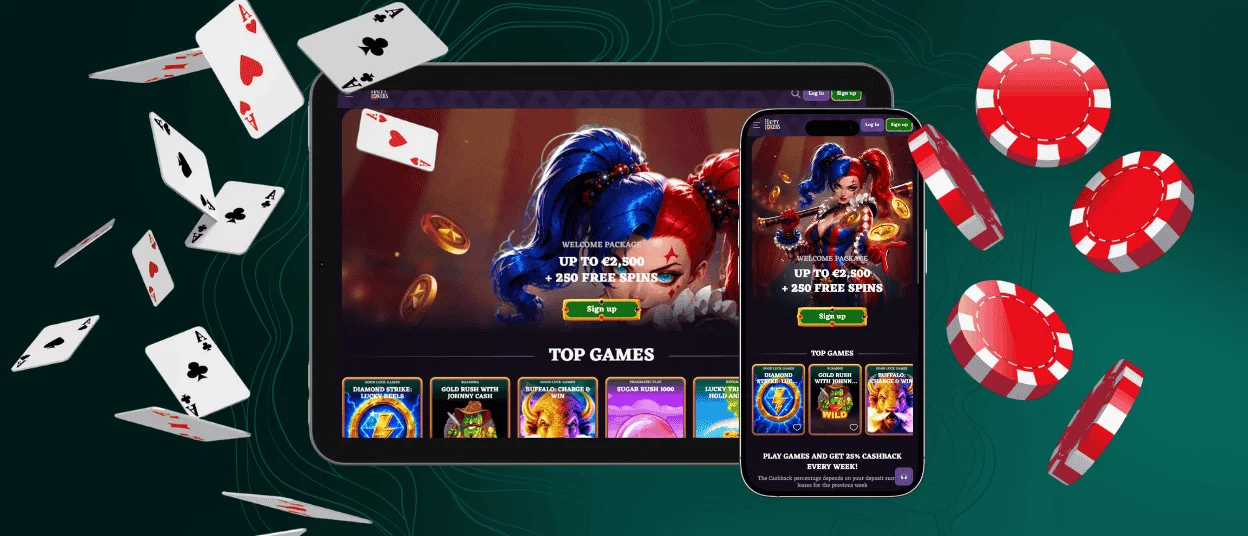
Our mobile software works perfectly on any iPhone or iPad. There’s no App Store download and no compatibility restrictions – just your browser and the full casino experience. The interface adapts to your screen size to make it comfortable on iOS.
All payments and bonuses function identically to the desktop version. Users can also save their login credentials in the Happyjokers app. So you can log in without typing your password.
How to Install the Happy Jokers app on iOS:
- First, you need to open the Happyjokers Casino website in Safari.
- After that, you should tap the “Share” icon at the bottom.
- Then select “Add to Home Screen” and confirm “Add”.
The Happyjokers icon appears on your home screen. One tap opens the mobile casino instantly with no typing URLs. The entire platform is ready to go the moment you tap the icon.
Happyjokers for Windows and Mac
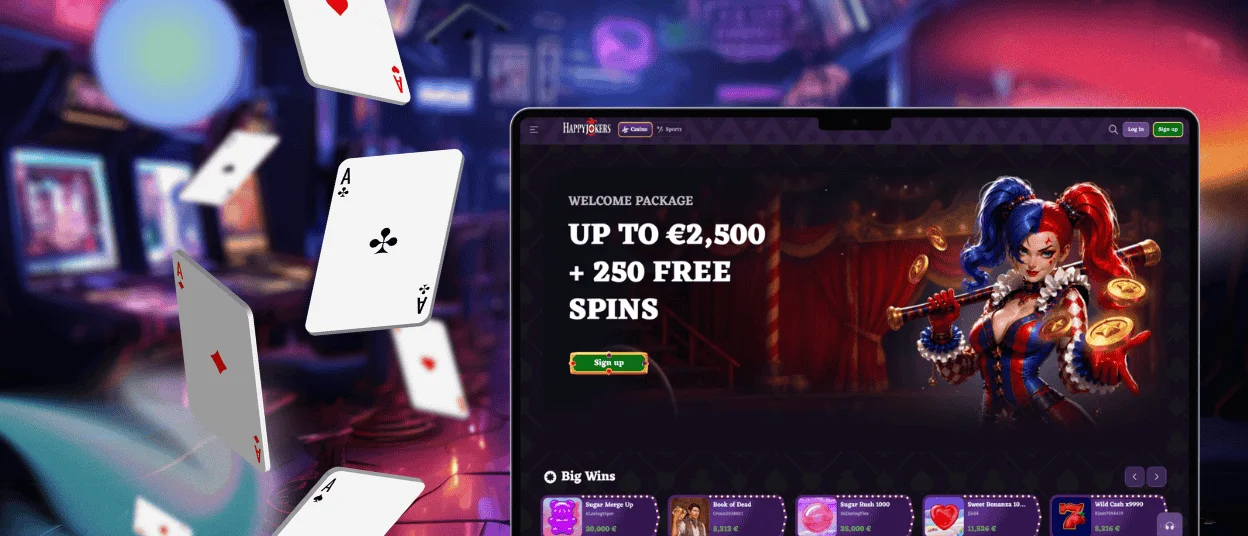
The desktop experience brings its own advantages. A larger screen means more detail with table games, displaying all betting options clearly, and live dealer streams feel more immersive with multiple views visible at once. Extended sessions are more comfortable on a big display, so you can keep multiple tabs open without losing track of your game.
We don’t offer a standalone desktop application. You can just open your browser and go to the Happy Jokers Casino website.
For faster access, users create a desktop shortcut. Then the platform launches in a dedicated window without browser tabs. It functions like a native app, but with zero installation. The shortcut appears on your desktop, and one click takes you straight to Happyjokers.
FAQ
Is an account required to use the Happyjokers app?
Yes, you need a registered account to access the Happy Jokers app. Without logging in, you can only browse the game lobby and play demo versions of selected slots. Bonus claims and tournament participation all require an account. Registration takes just a few minutes, so you can play and win at once.
How do I clear the app cache or browser data?
Since Happyjokers runs through your browser as a progressive web application, clearing cache and data is done through your browser settings. You can open your browser and clear its data in the settings. This removes stored files that slow down performance or cause loading issues. Your account and game history remain unaffected – only temporary files are removed.
Are bonuses available for mobile app users?
Yes, every bonus available on the desktop version is also available through the Happyjokers app. The welcome package and all the ongoing promotions work identically on mobile. Promo codes are entered the same way, and wagering requirements apply without any mobile-specific restrictions. Your bonus progress syncs across all devices.


